This isn't a camera for film. It's a Digital Toy
Camera. It's called Holga Keychain Digital Camera, sometimes referred to as DC-01. It exists in several
vivid colours, black and white. It seems to be fairly recent in 2026, I have
not seen it earlier than last year.
There was already a Holga Digital camera in 2015 as a Kickstarter
project with even more basic features than this one, its body looked
like a mini-version of an ordinary Holga. And there was a tiny
Holga Keychain Camera for 110 film long ago. Obviously the new keychain camera's
body was inspired by the old one.
Its main features, taken from the manual and the EXIF files, are:
HX-Tech HD focus free digital camera, 7mm
Shutter 1/99s Auto exposure
Size 61 x 27 x 22.5, Weight 24 gr.
Video size (AVI, 30 fps):
1920x1080 (FHD)
1280x720 (HD)
Videu sound is mono.
These informations are inconsistent. The videos are jerky, at 30 fps
they shouldn't. The pictures lack details at any resolution, it seems
as if the 5 MP pictures are just inflated. On my camera, the EXIF files
always show F 3.2, ISO 100 and brightness -5. In low light shutter
speed seems to be much slower, as most low light pictures are shaky.
Some pictures of the camera:
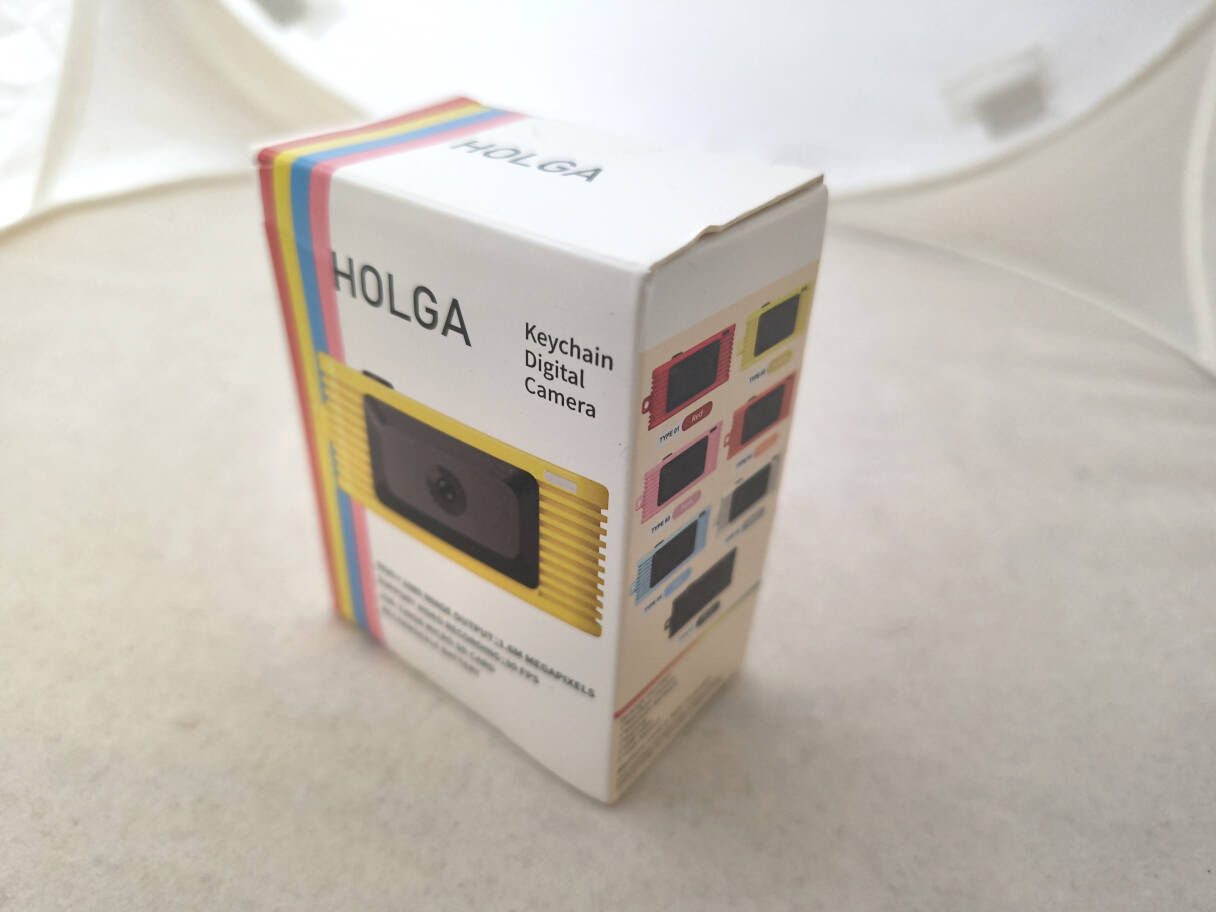
The box with
Holga brand.
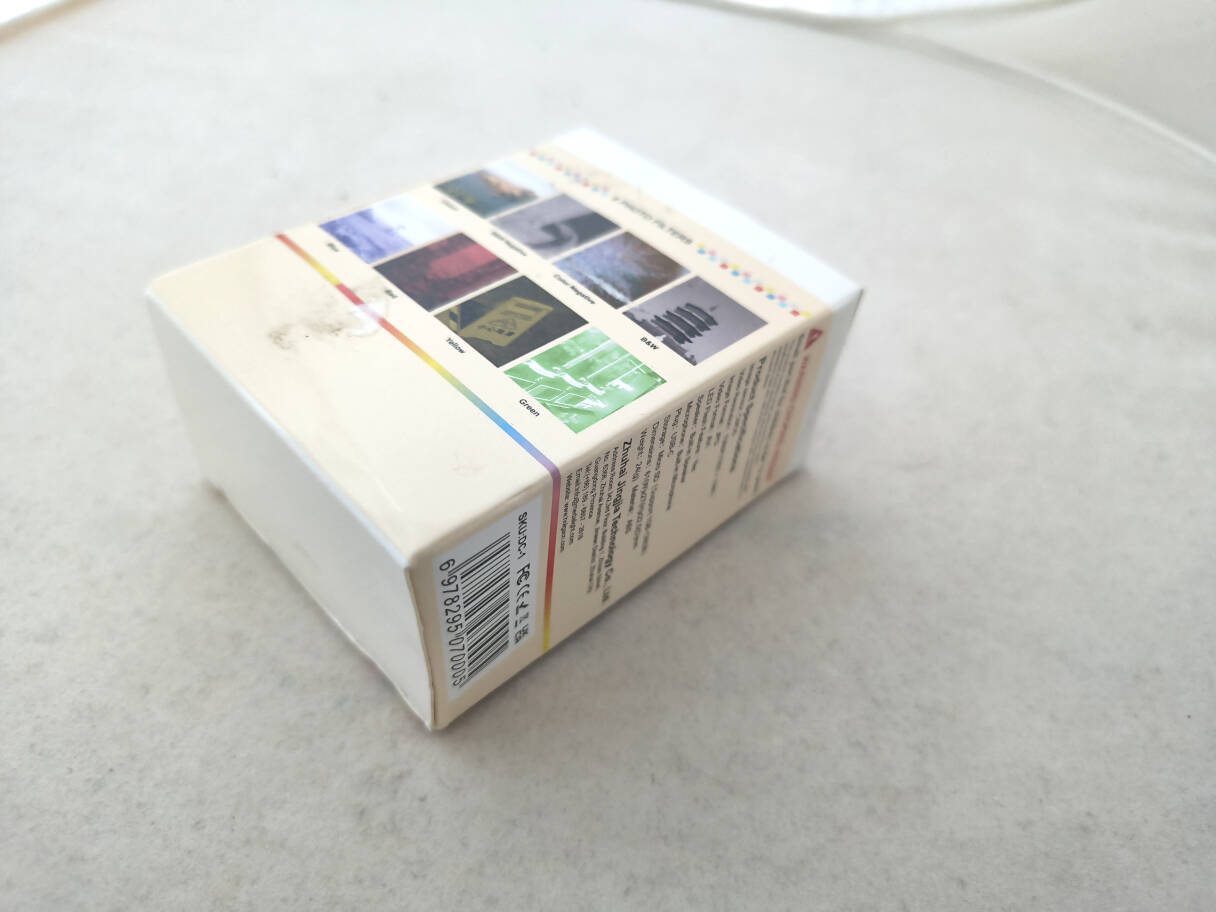
The box again from the other side.
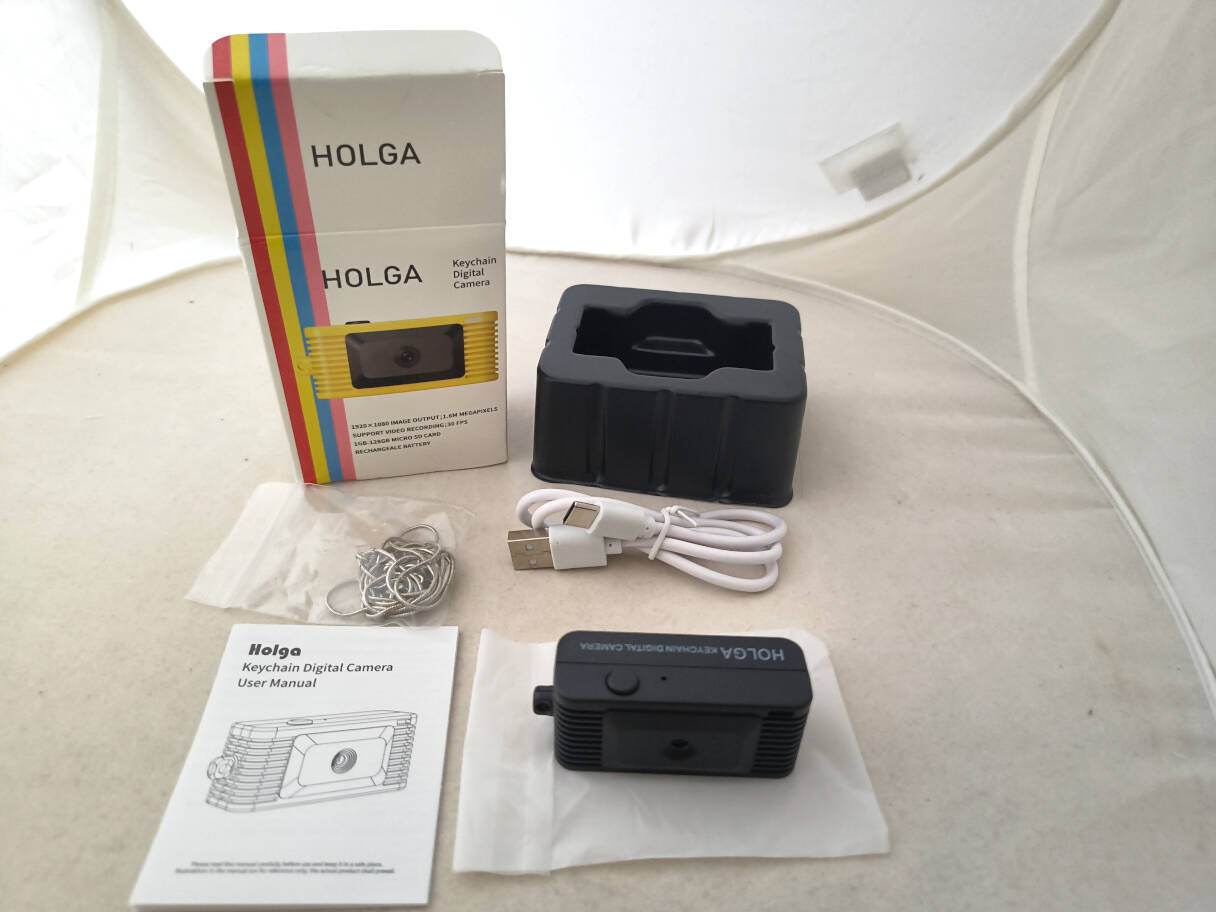
What's in the box: a camera, a keychain, a charging cable and a manual.
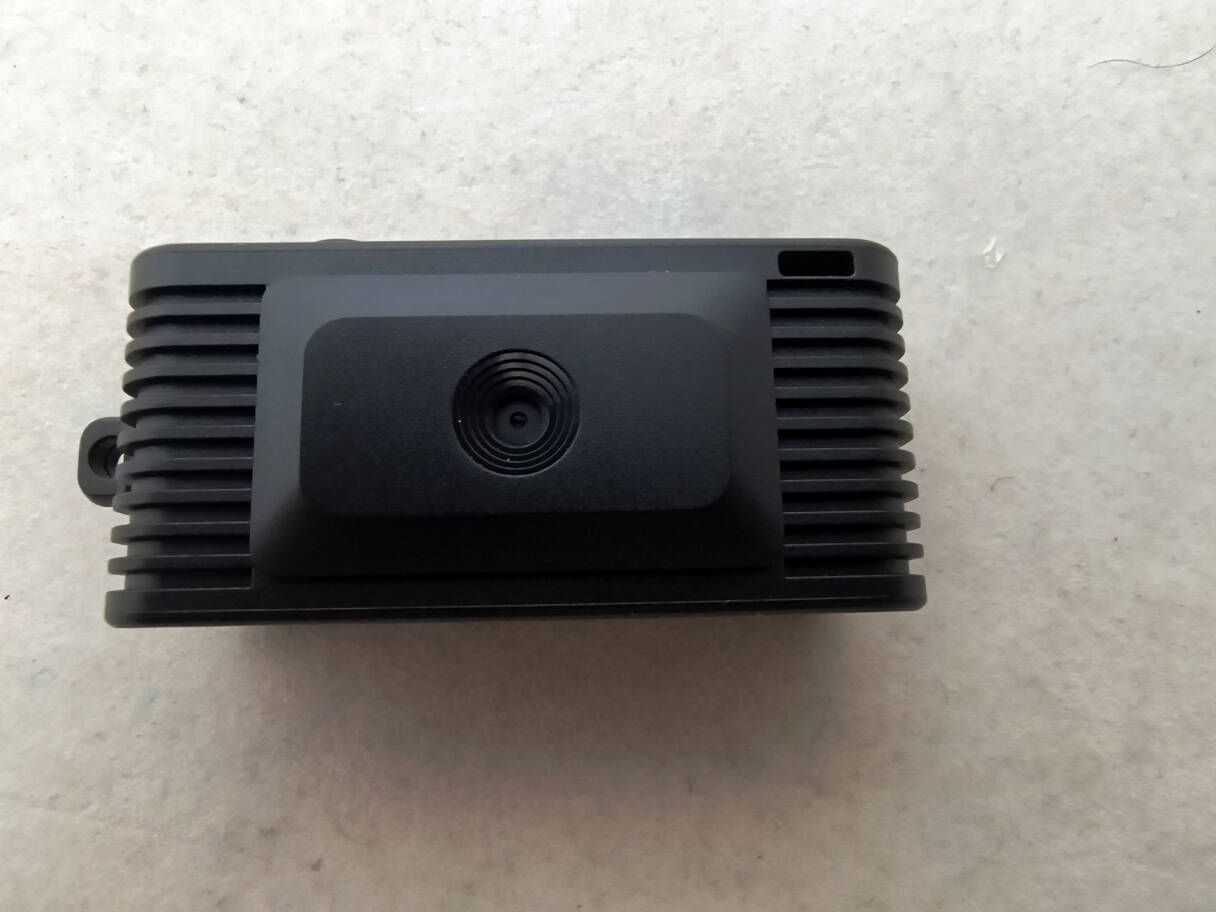
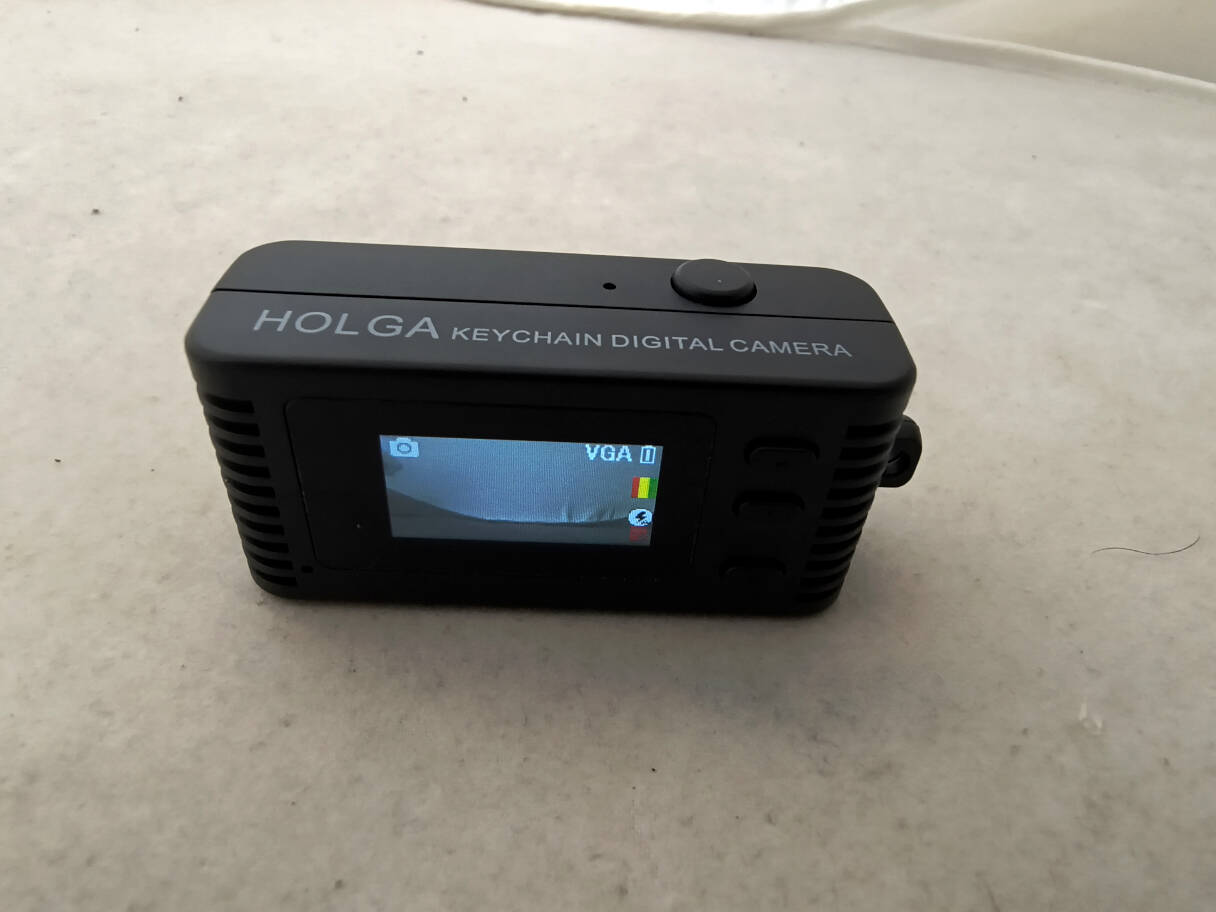
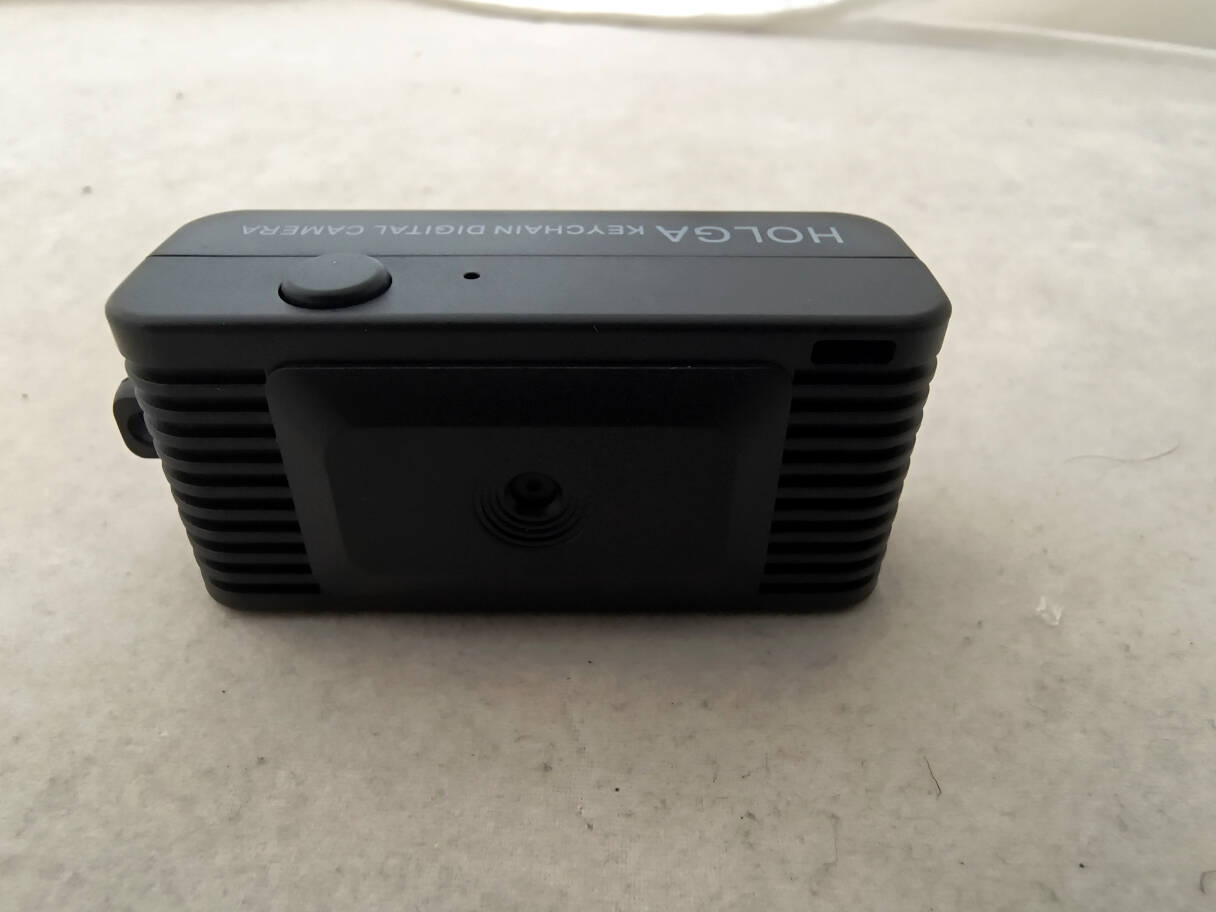
Camera front. The lens isn't bigger than a pin head.
Camera back. Tiny LCD, 0.96 inch.
Camera top. Shutter release.
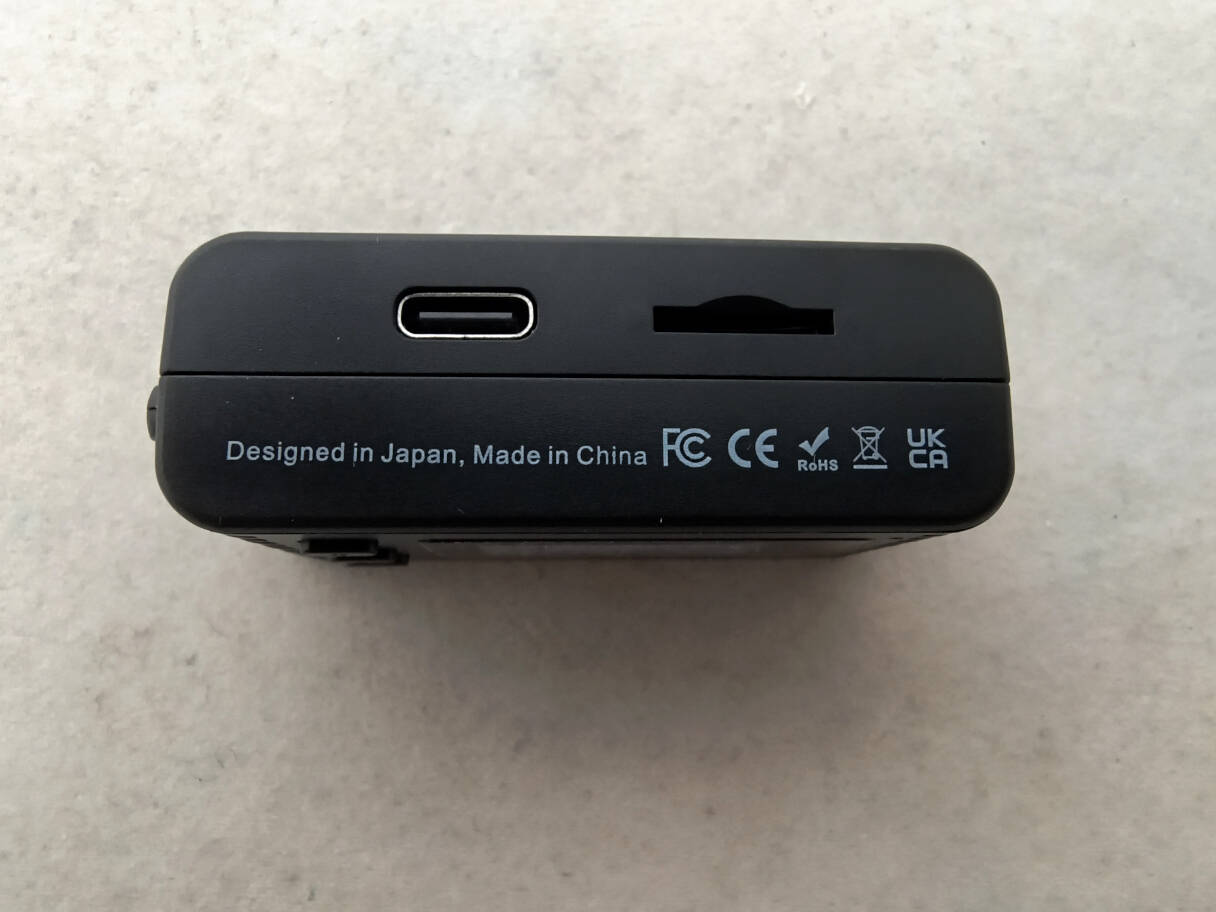
Camera bottom. USB C socket and Micro SD Card slot.
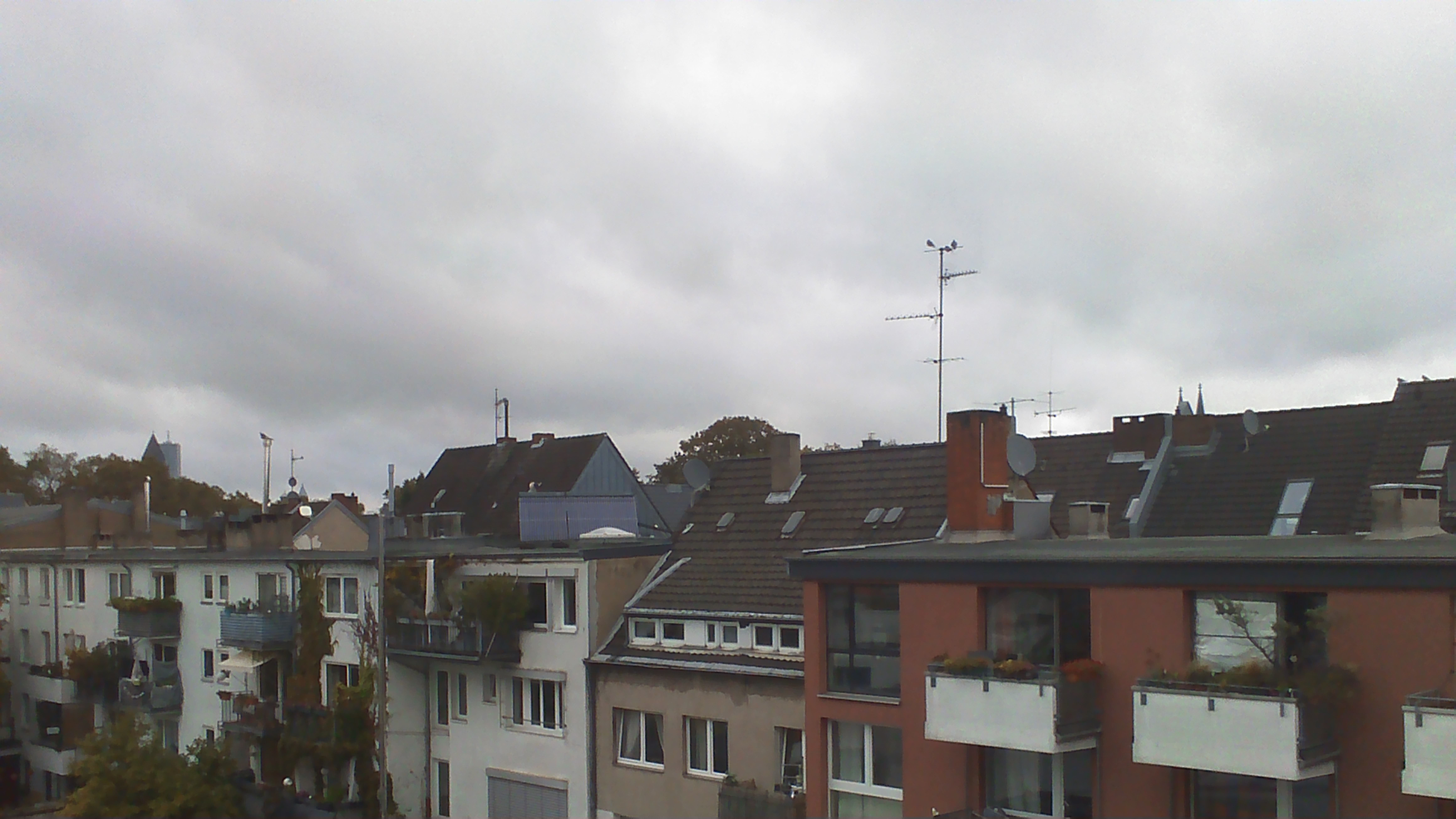
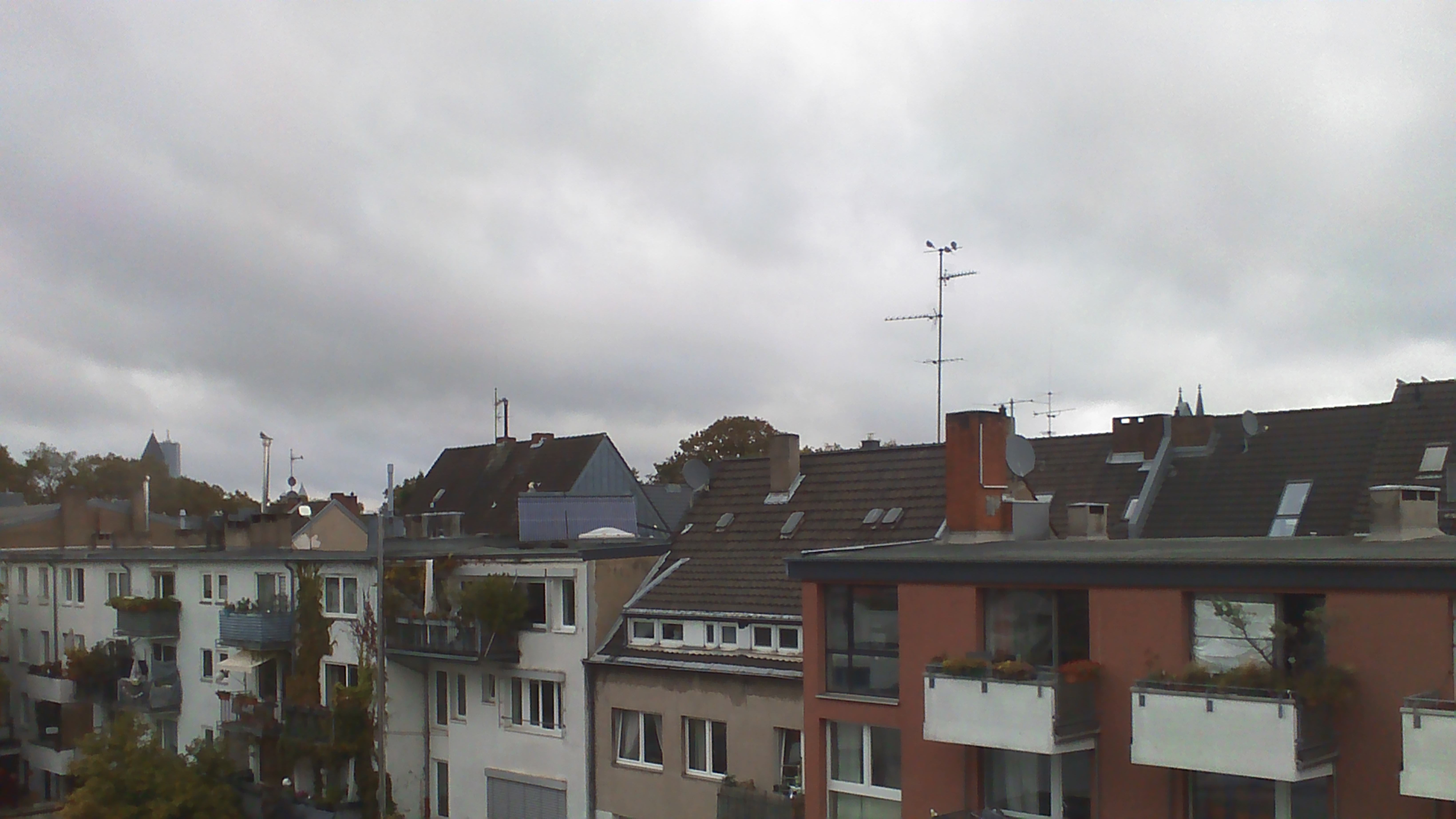
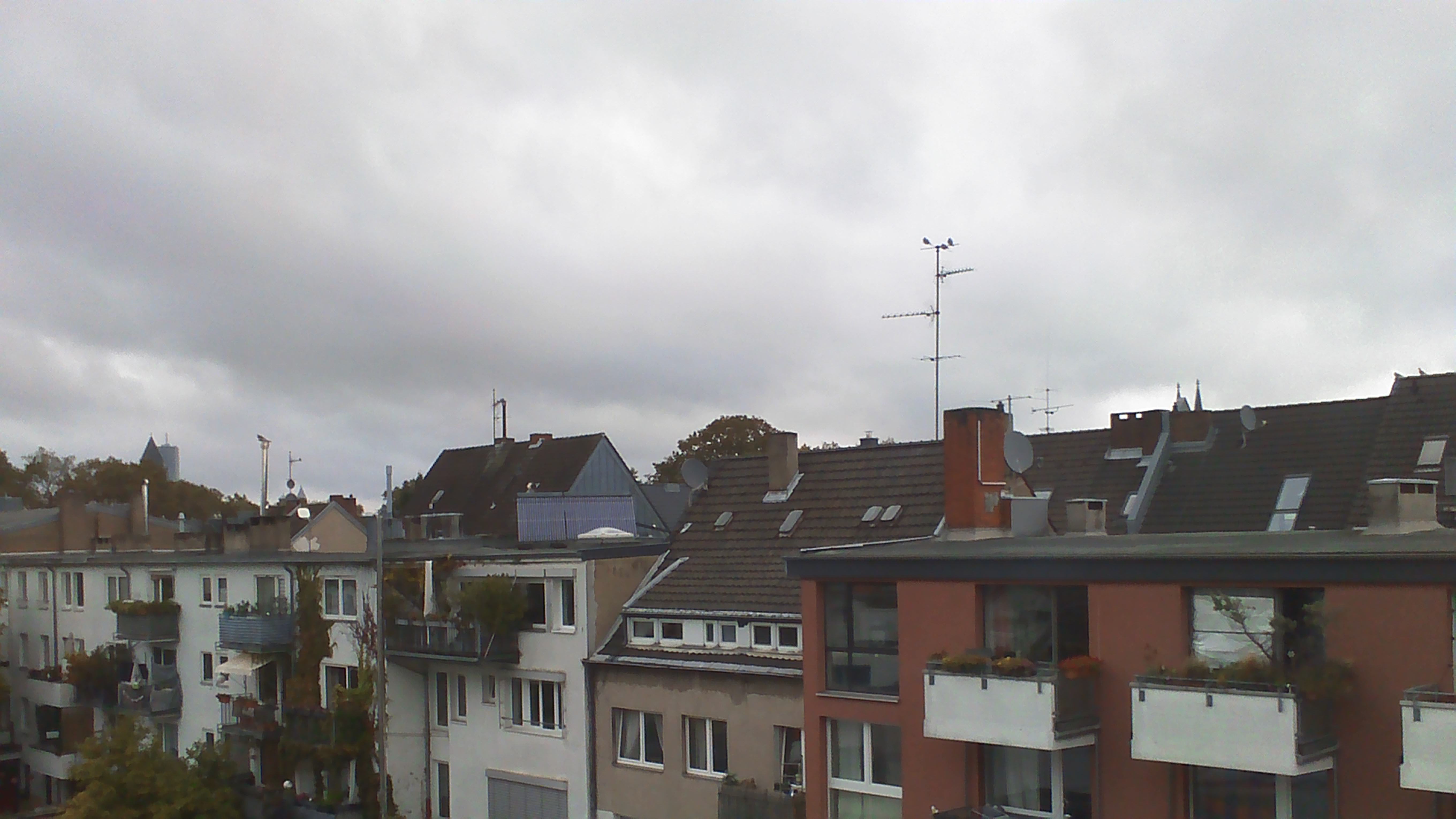
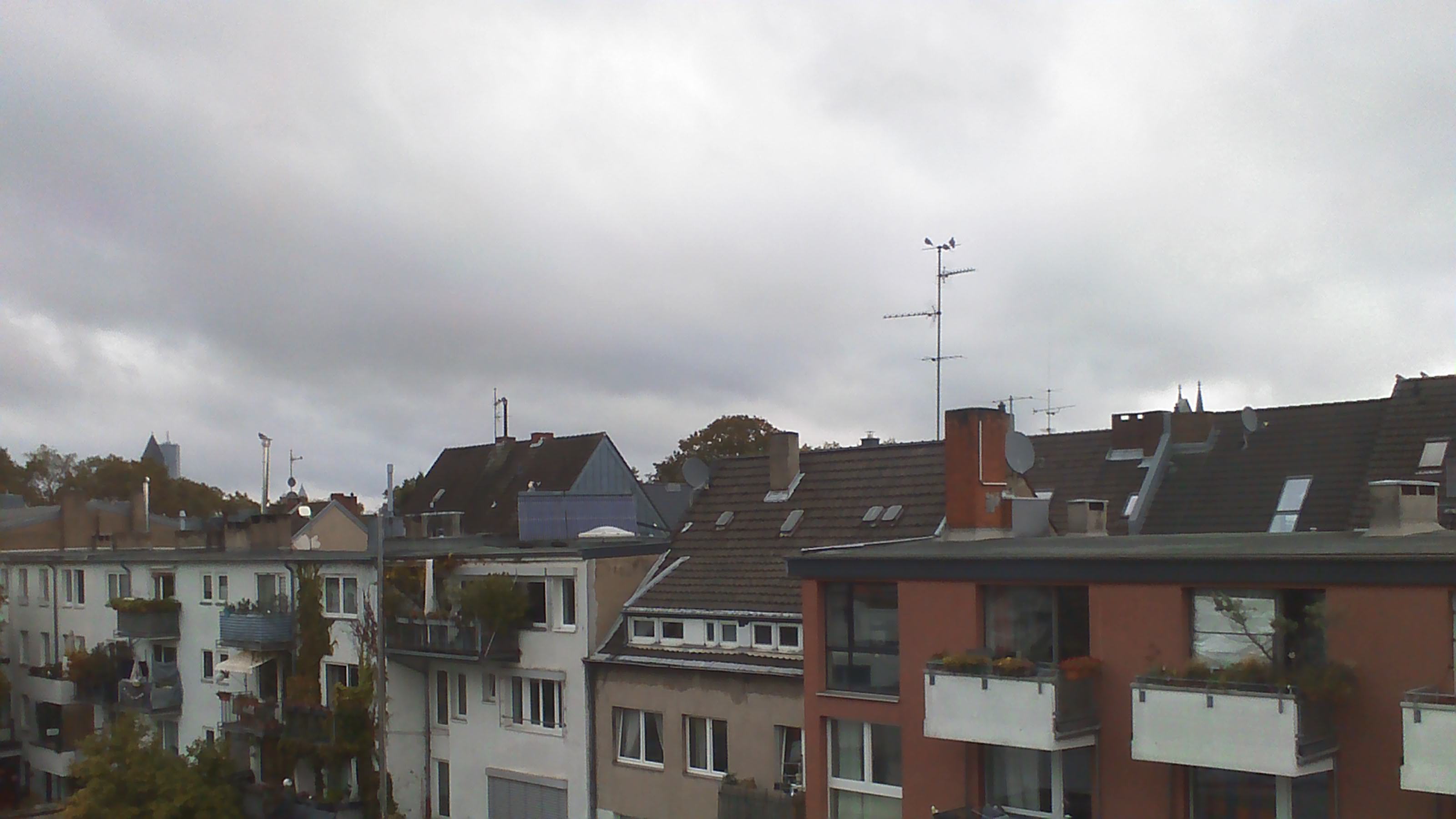
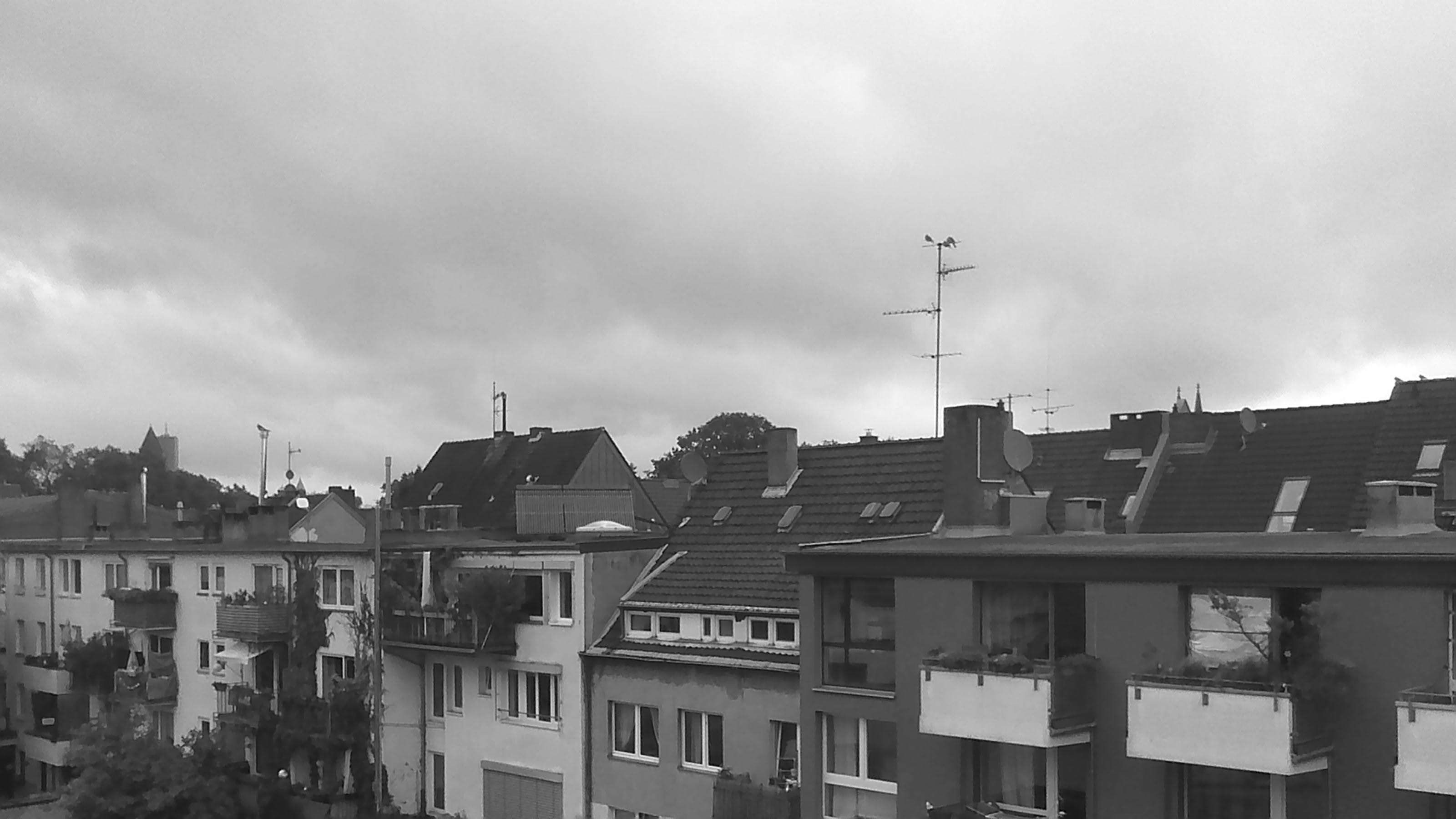
Picture examples taken with the camera on a dull day. If you click on
the pictures, they will switch to full resolution, hit the "back"
button of your browser to return.
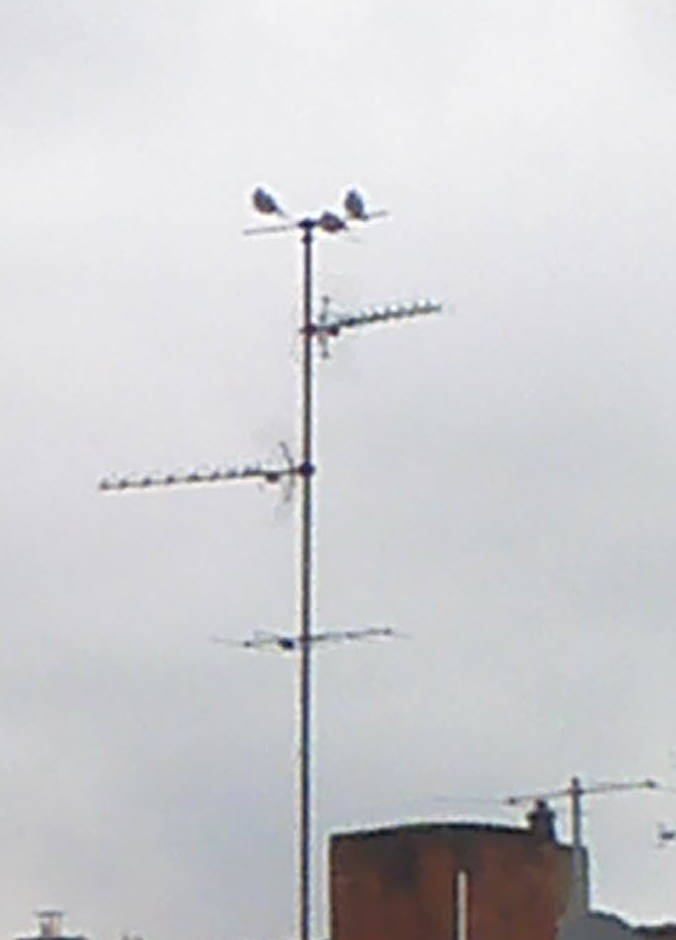
48MP
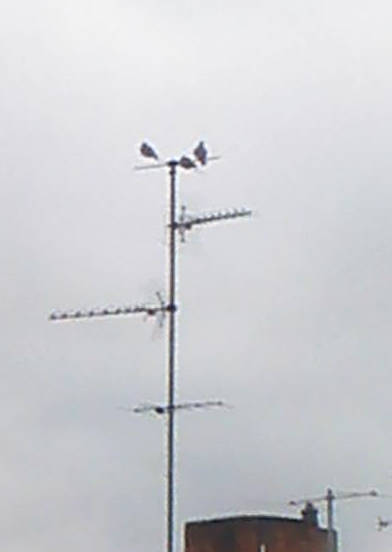
24MP
16MP
5MP
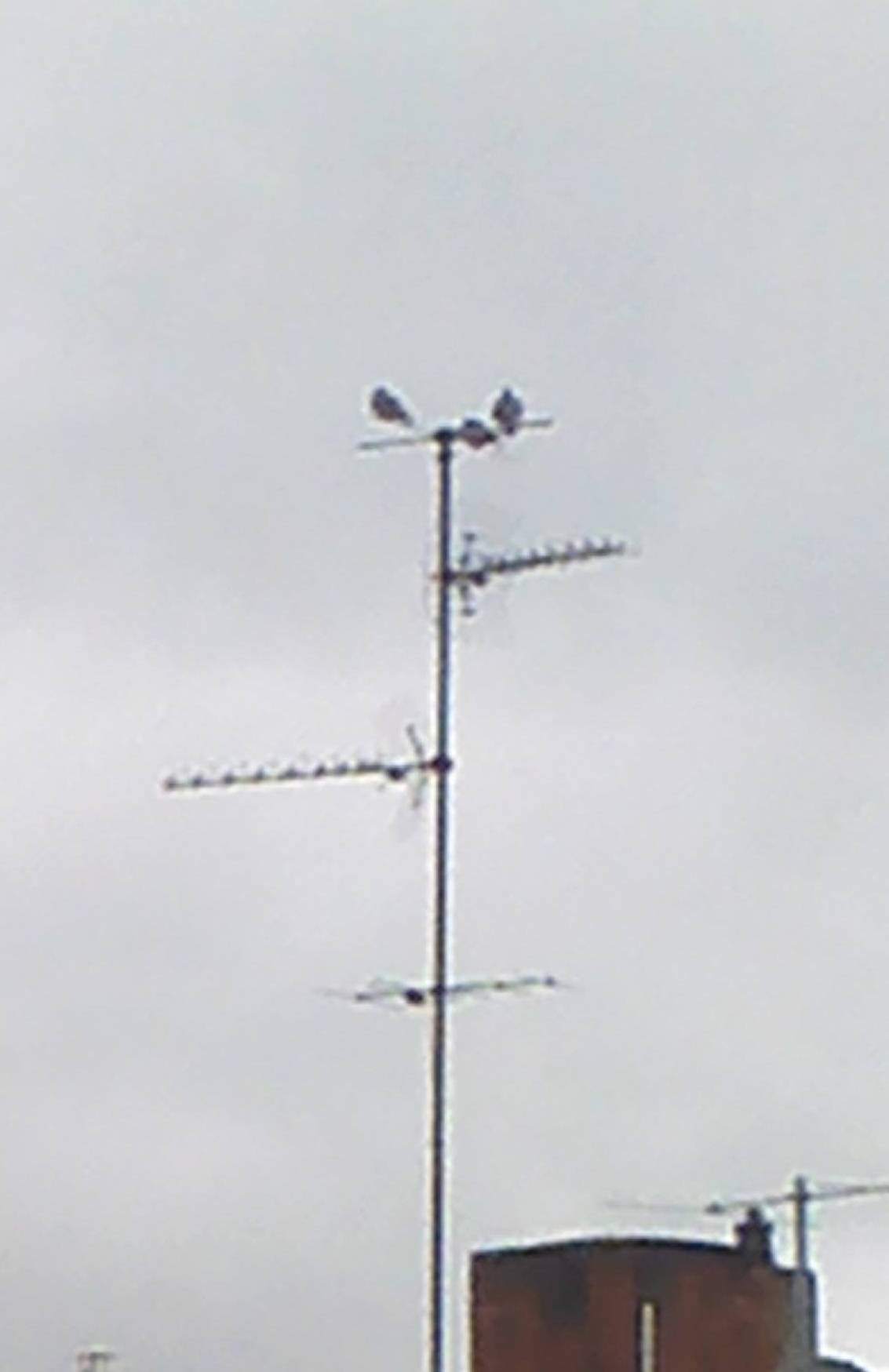
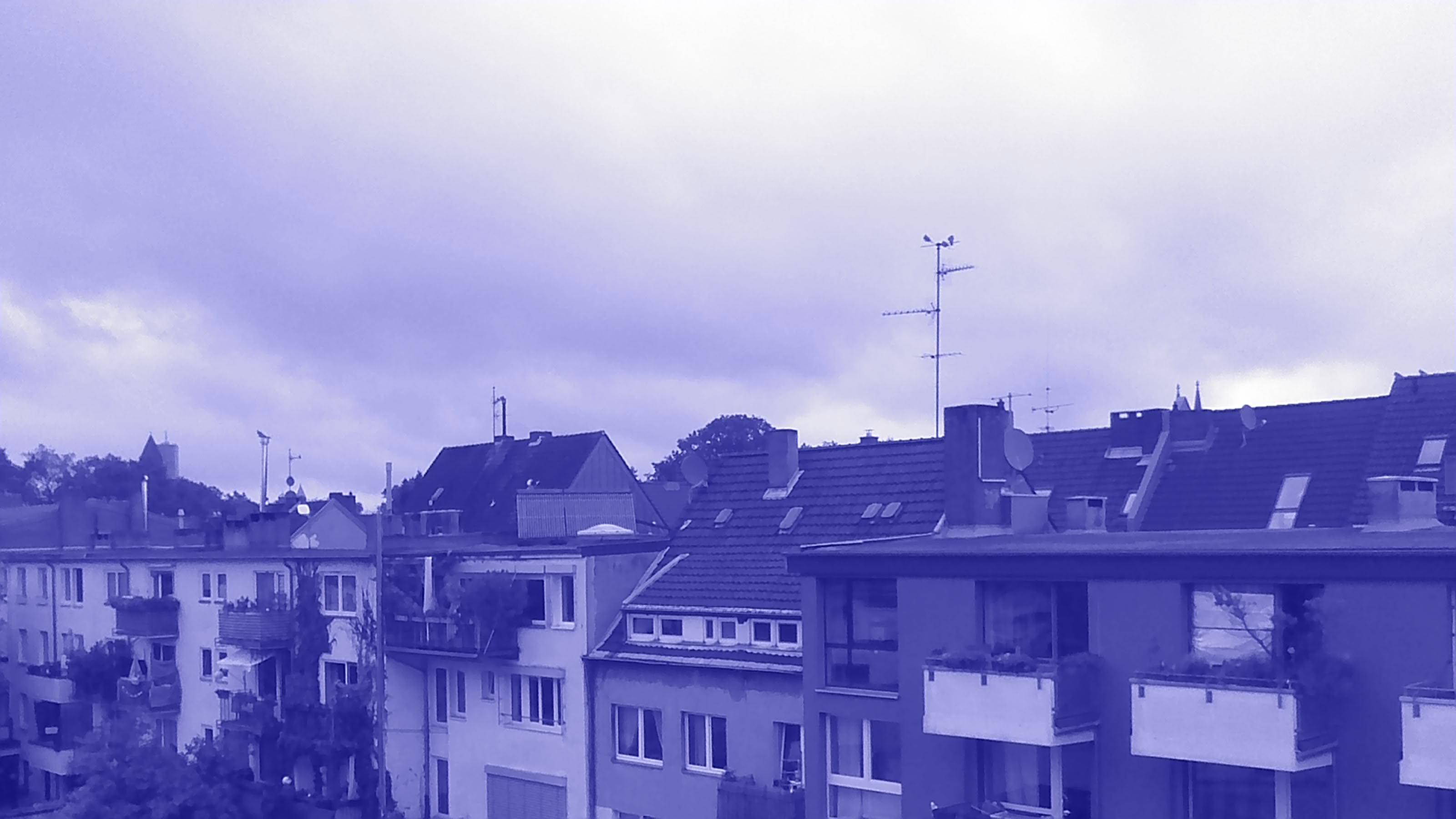
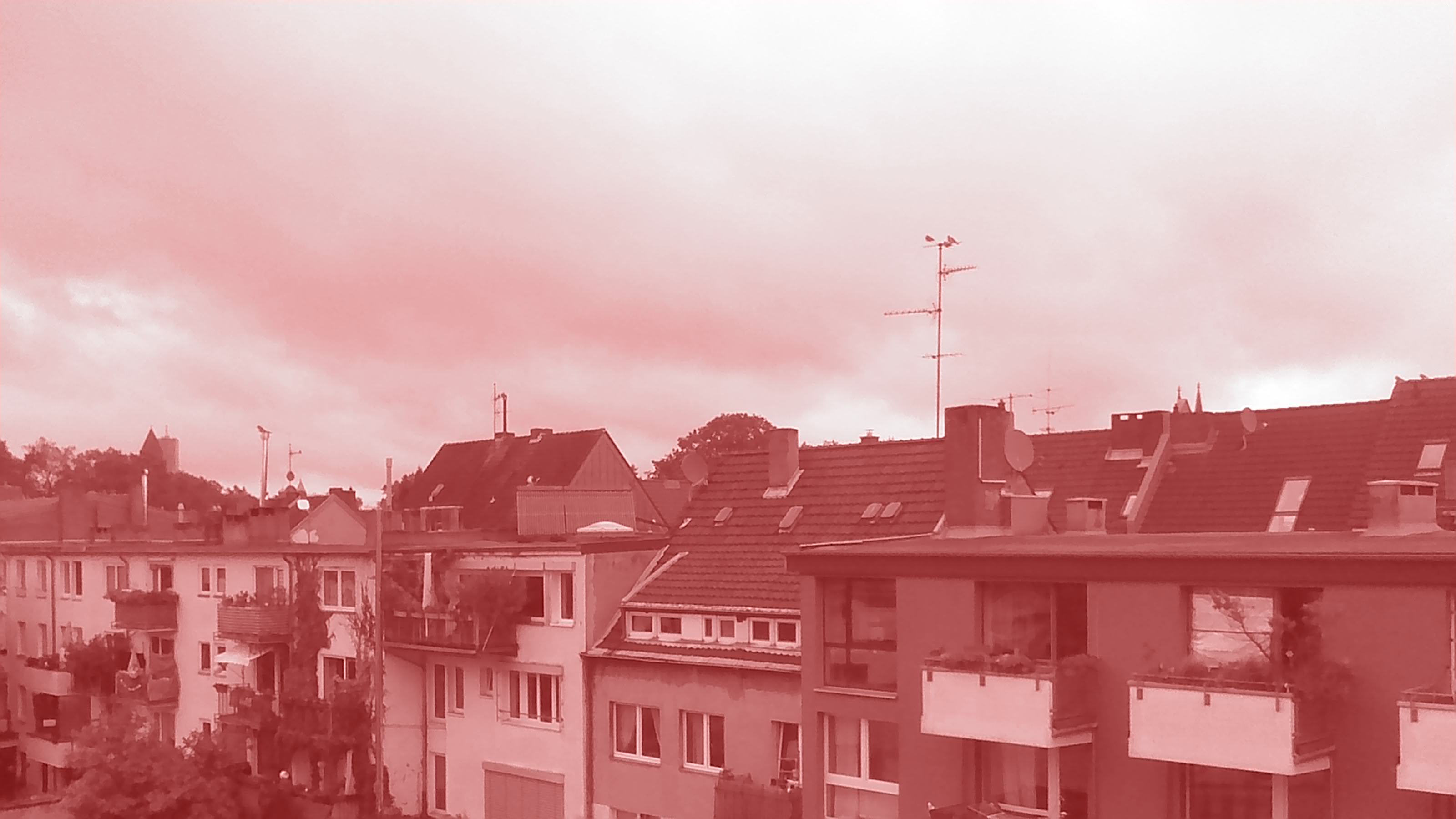
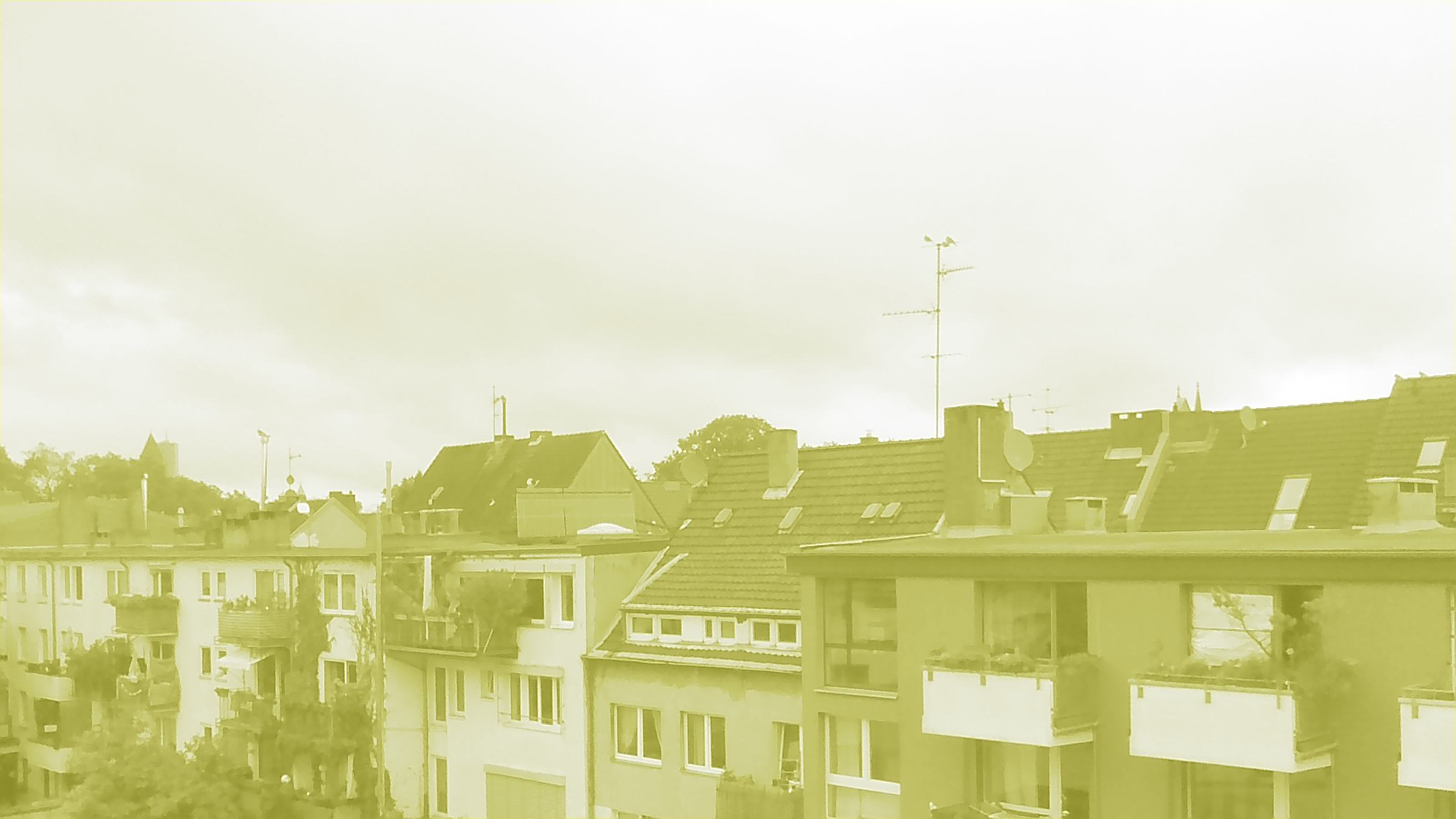
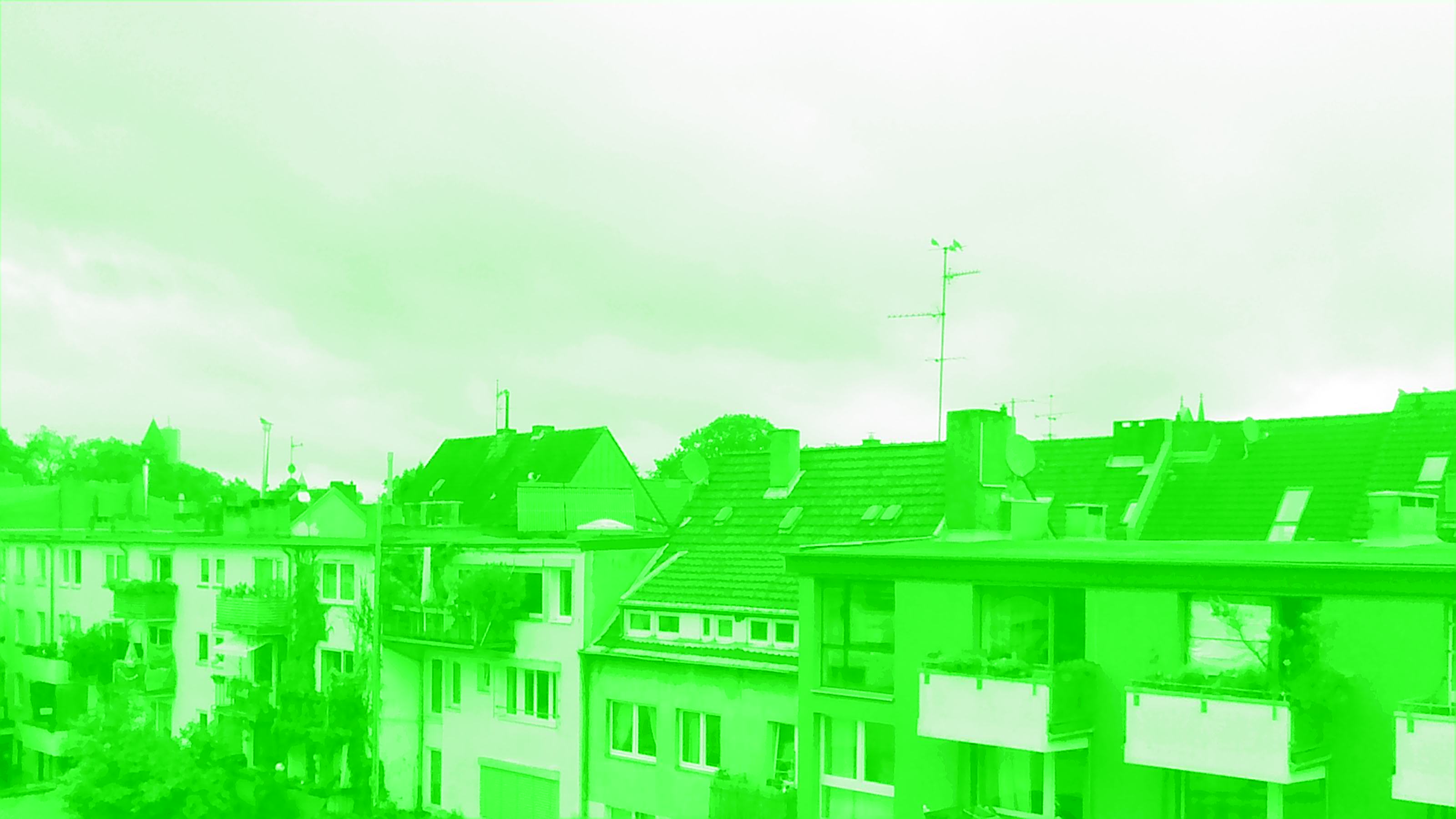
Details from left to right: 48MP, 24MP, 16MP and 5MP. The birds on the antenna do not get better with higher resolution.
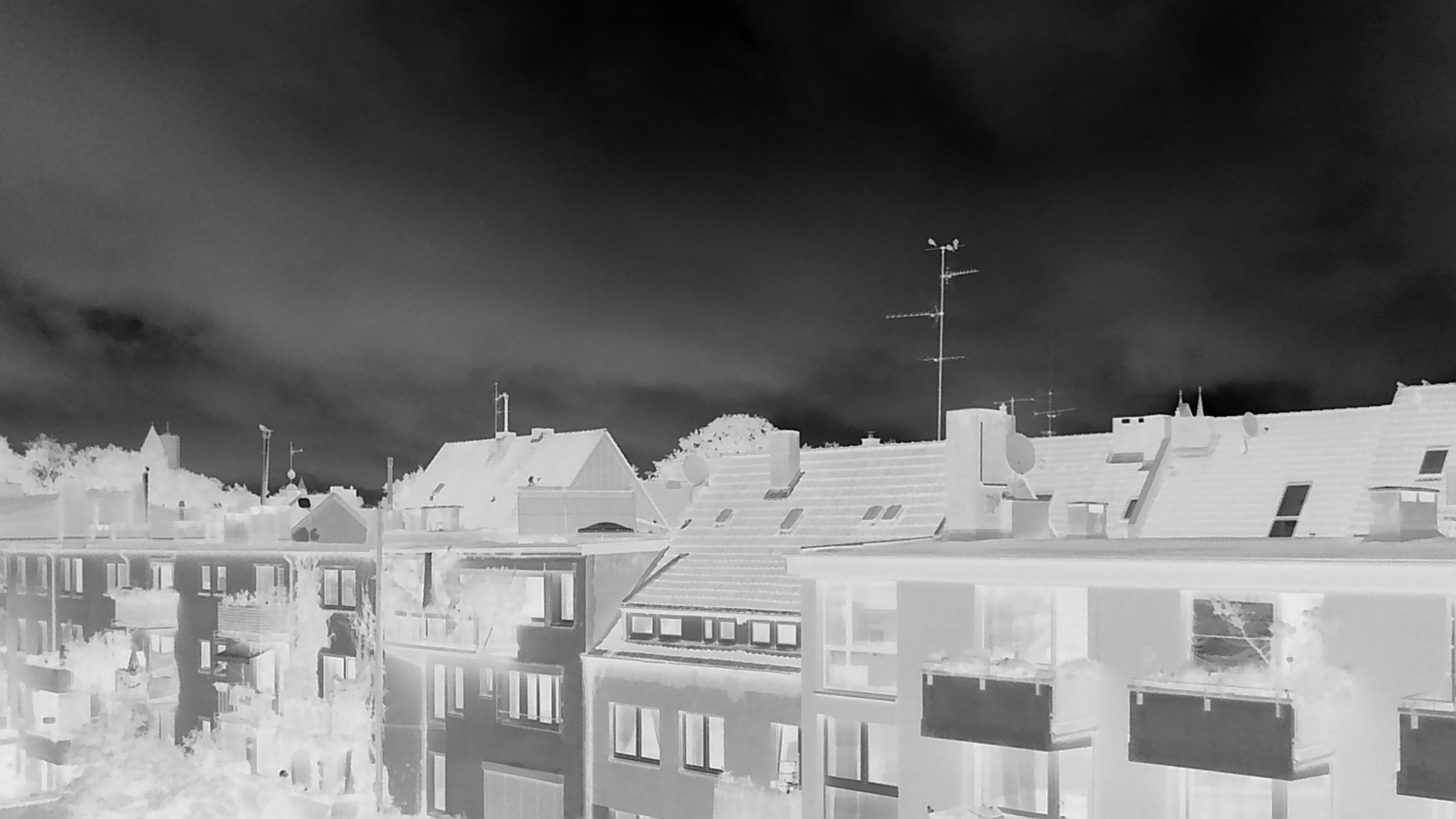
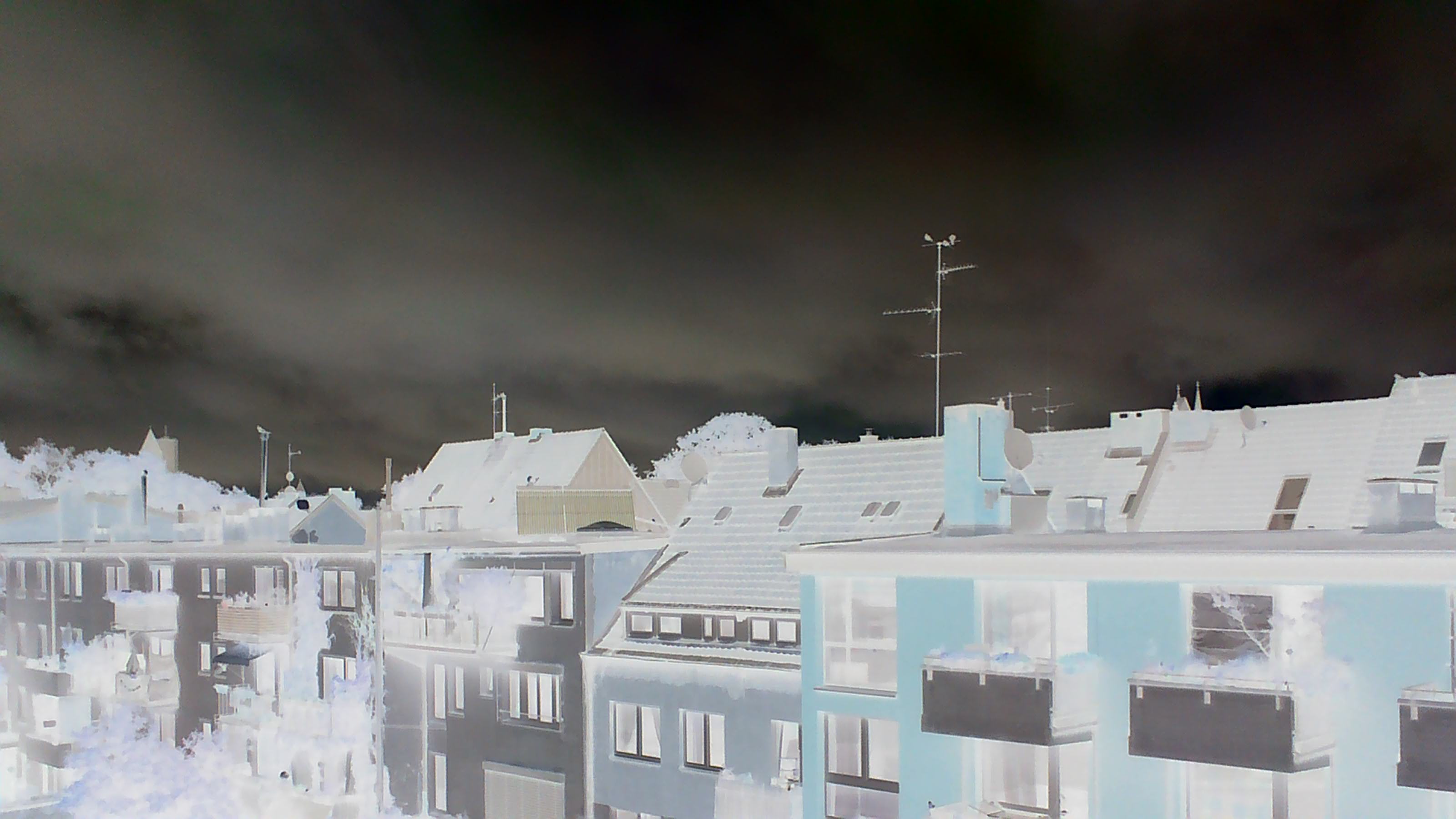
The filter settings:
B&W negative
Colour negative,
The...
...different...
...colour...
...settings...
...and B&W.
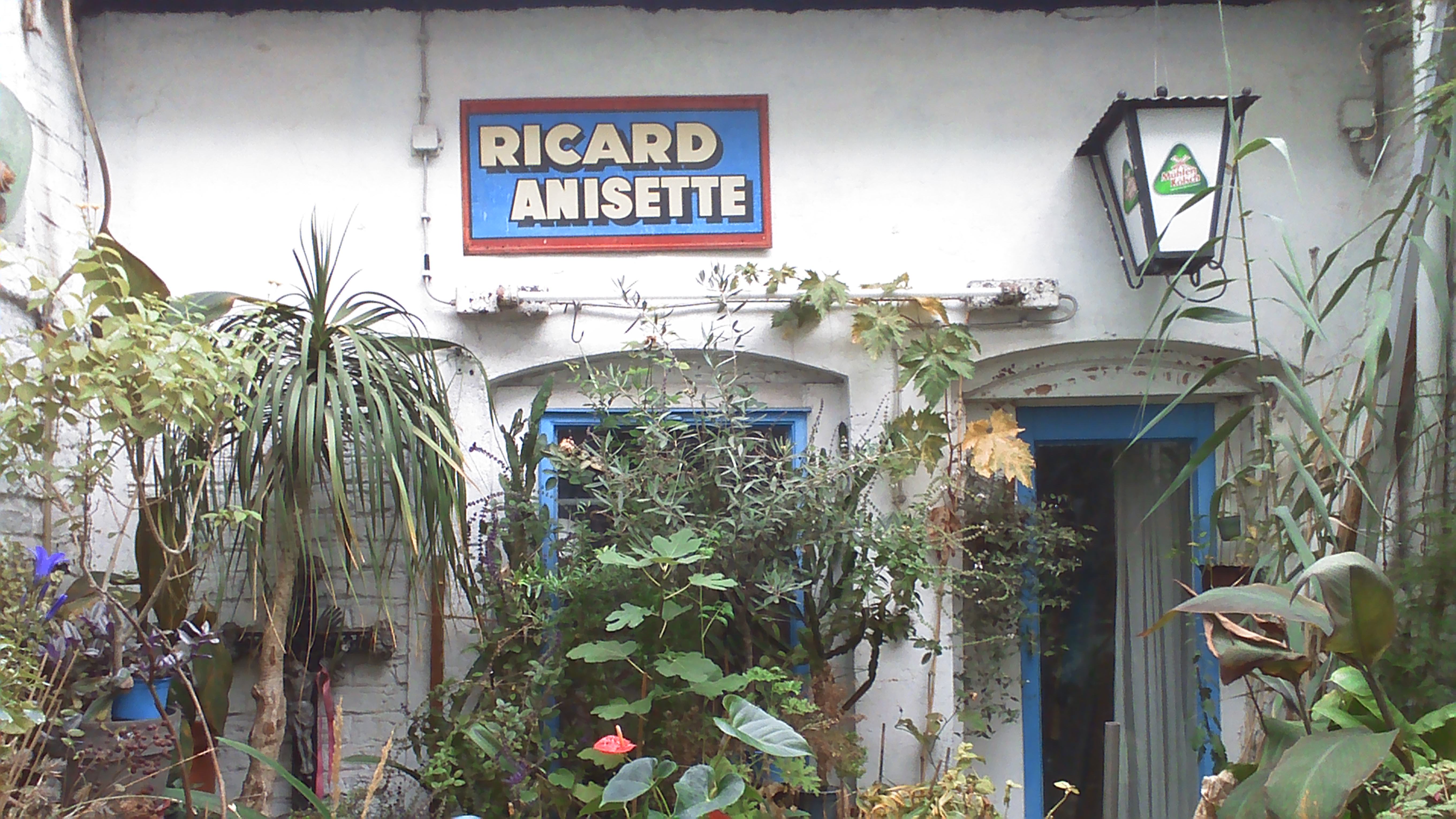
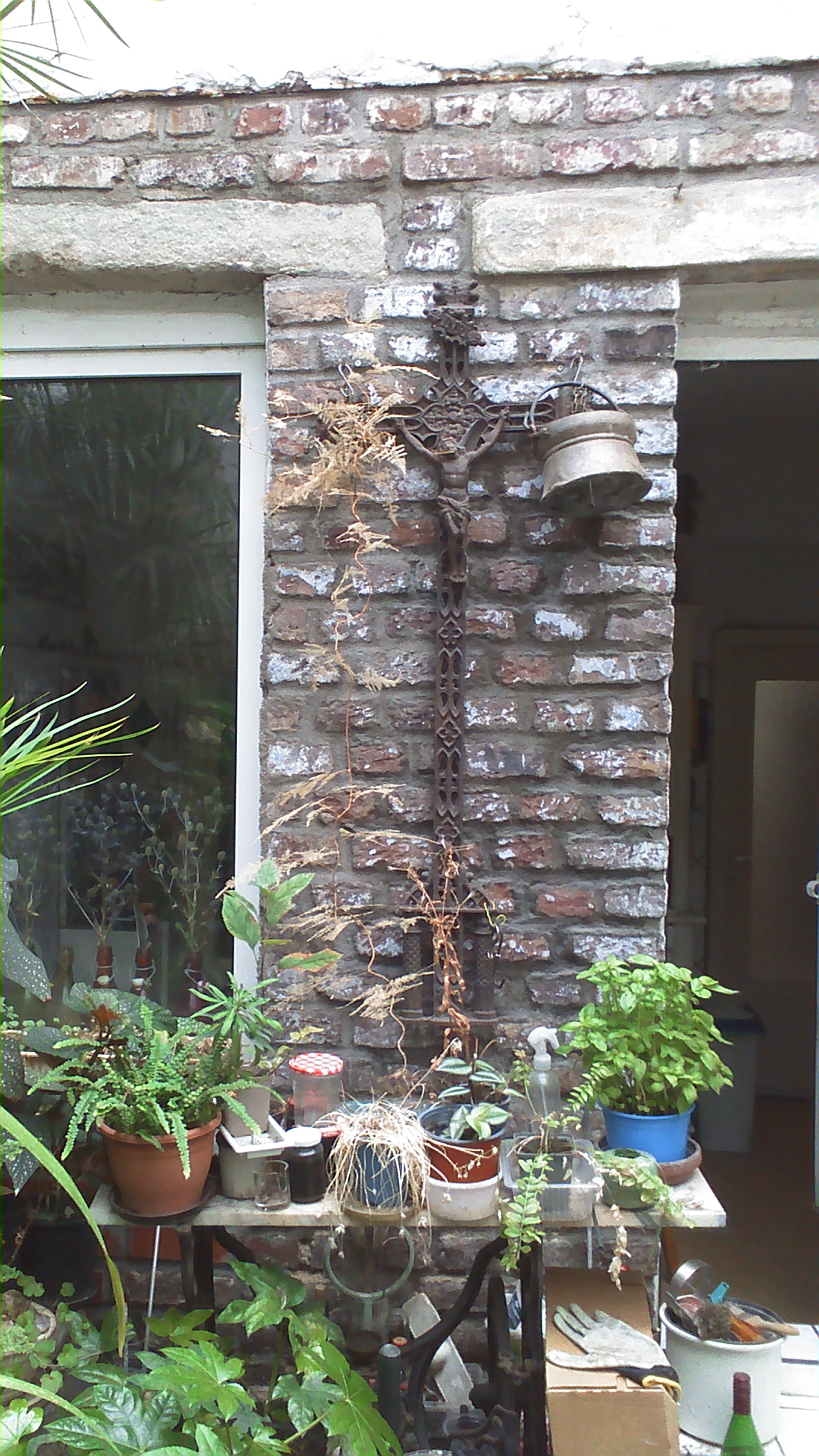
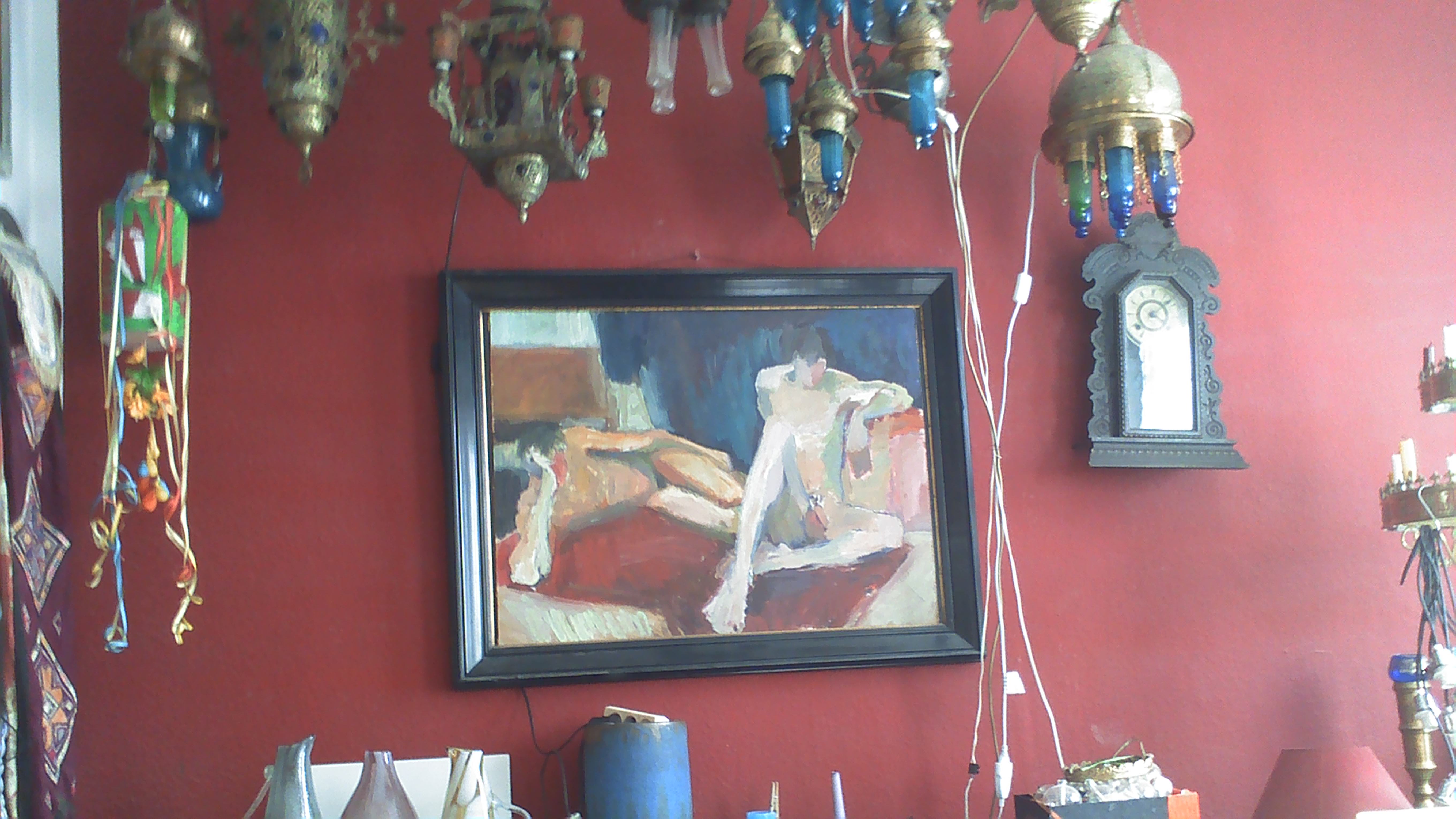
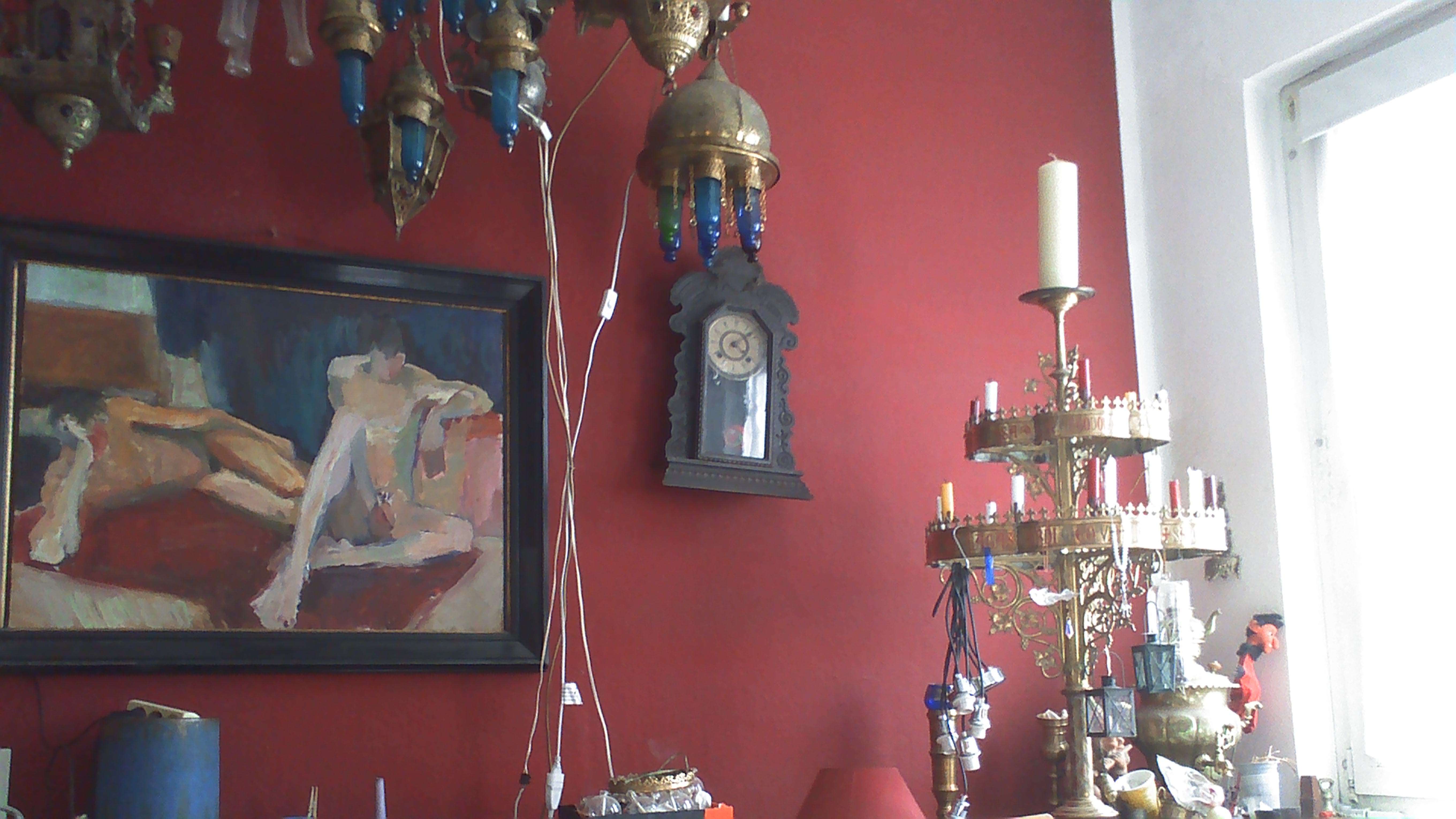
My Cologne veranda.
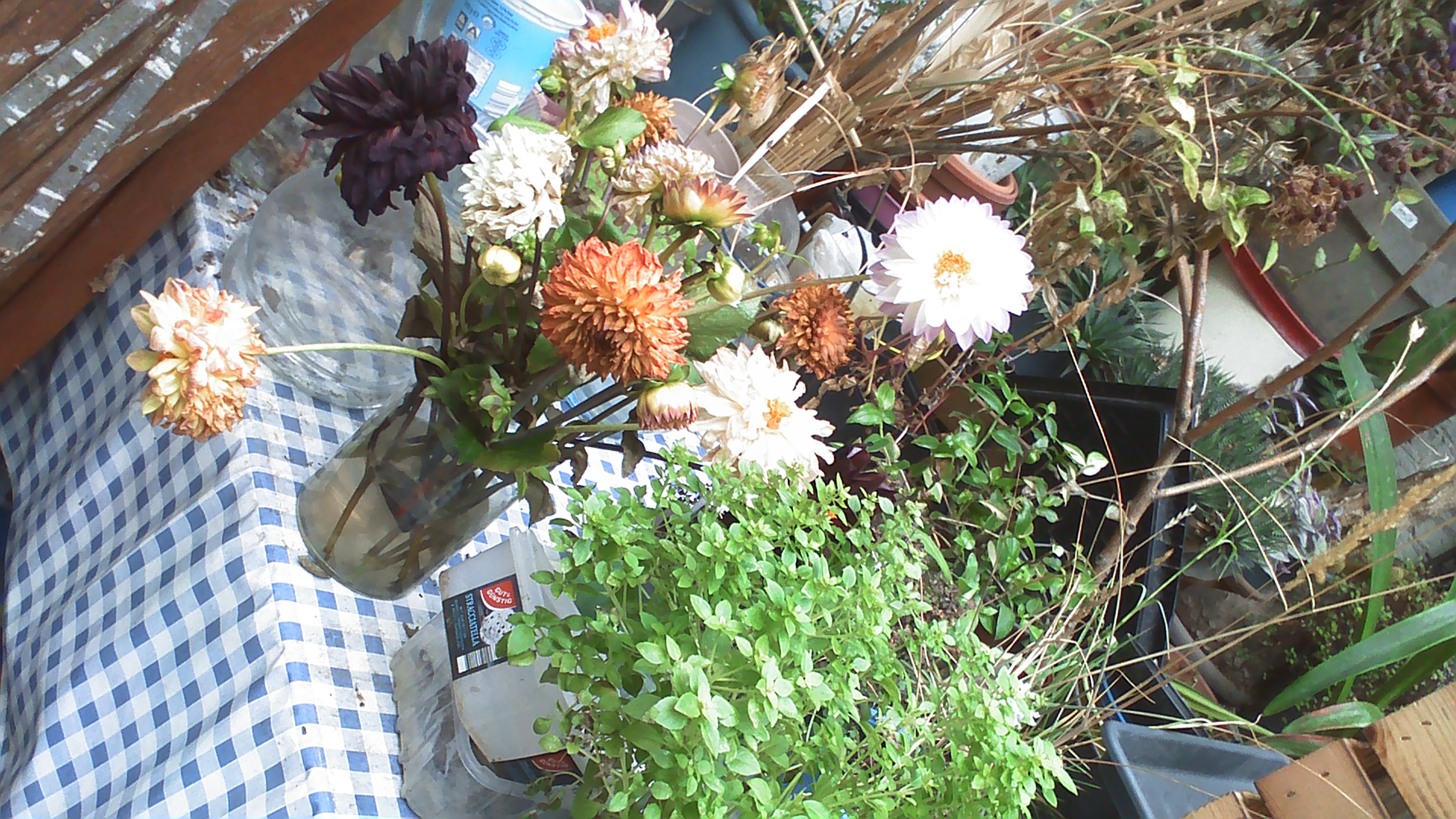
Some fading flowers at less than 30cm.
The shady side of the veranda.
Interior.
Interior with sunlighted window.
There you are. You wanted a Holga and you get Holga-like pictures. The
filters are fine. Your smartphone can do better of course, but it's not
the same fun. The tiny little thing gets it right in a somewhat Holga
or Lomo style.
A long press on the shutter button wakes the camera up and shuts it
down. There are 3 buttons on the back to navigate through the settings,
up, down and menu. The shutter button confirms your choice. The first
menu cycle are the photo settings, a long press on the menu button gets
you into further cycles. The manual is small and small print, but it's
very good.
You
can connect the camera to a computer to download the files. The camera
has to be on before connecting it. On mine you have to be quick, after
a moment the camera sets itself to a computer camera mode. I have not
found out how to prevent this. If you have an idea, please let me know.